01
Continuous replication
Modalities, or a gateway beside the current PACS, send DICOM to Radiolinq while the primary archive stays in daily use.
Replicate DICOM studies to Radiolinq while your existing PACS stays online. If a server or site fails, authorised teams open the same studies in the browser and keep reporting.
Geo-redundant
Copies of the DICOM archive in separate cloud locations
No spare server
Skip a second on-prem system and the upkeep that comes with it
Browser access
Open replicated studies on any authorised device
Every hour without priors and new studies is an hour the reading list cannot move.
A server, storage array, or site outage can take new studies and priors offline together. Reporting waits until that hardware is back.
Standby hardware needs power, patches, and floor space, and it still shares the building risk of the system it is meant to replace.
Radiolinq sits beside the PACS you already run. The cloud copy is the recovery path, so access does not wait on a restore job.
01
Modalities, or a gateway beside the current PACS, send DICOM to Radiolinq while the primary archive stays in daily use.
02
HL7 and FHIR keep the cloud worklist aligned with the RIS, so the study a radiologist opens is the study that was ordered.
03
Studies are encrypted in transit and at rest, with geo-redundant backups in SOC 2 certified data centres, role-based access, and audit trails.
04
The browser viewer, AI-assisted drafts, and voice dictation stay available, so sign-out continues from the cloud copy.
During an outage
While the primary system is being restored, the team reads imaging that has already landed in Radiolinq. Hospitals, imaging centres, and teleradiology groups use the same cloud archive.
Authorised users open replicated imaging from a browser. Remote readers and other sites keep working while one server room is restored.
Templates, AI-assisted drafts, and voice dictation remain on the same platform, so the worklist does not move to email and USB drives.
IT can rebuild the on-site PACS while clinical teams read from the cloud copy that is already online.
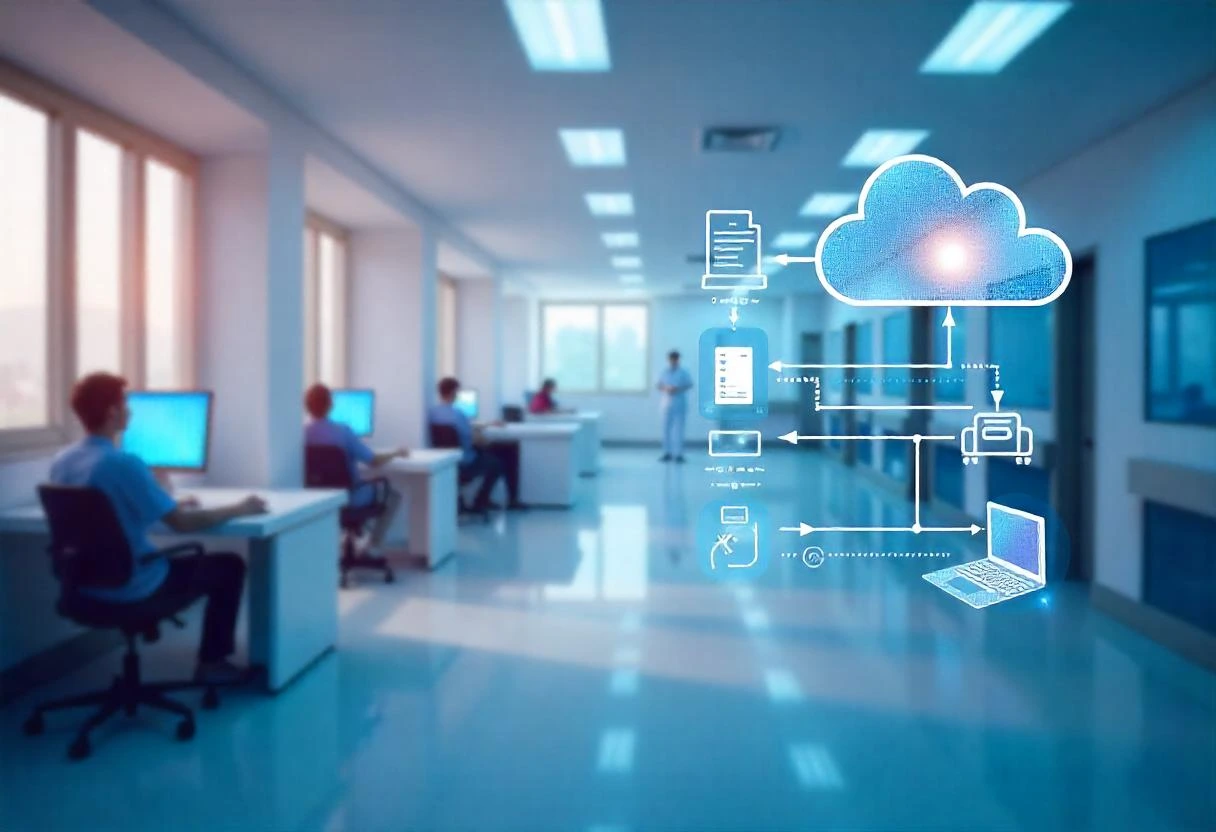
The recovery layer is the same platform used for daily reads, reporting, and multi-site routing.
It is a cloud copy of the DICOM archive that stays readable when the on-site PACS is unavailable. Radiolinq stores studies with geo-redundant backups and opens them in the browser, so reporting can continue while the primary system is restored.
You can keep it. New studies can be sent to Radiolinq in parallel, and priors can be loaded before the team relies on the cloud viewer.
Readers on that network need connectivity to reach the cloud archive. Teams at other sites, and radiologists working remotely, can still open studies that have already been replicated.
Storage is encrypted, access is limited by role, and audit trails record activity. Backups are geo-redundant in SOC 2 certified data centres, with the same HIPAA-ready controls used across Radiolinq.
Yes. Studies already in the Radiolinq archive can be routed to available radiologists, with the browser viewer, AI-assisted reporting, and voice dictation.
Most sites begin by sending new DICOM studies to the cloud archive while the current PACS stays online, then load the priors radiologists still compare. Book a demo to map this to your modalities and RIS.